
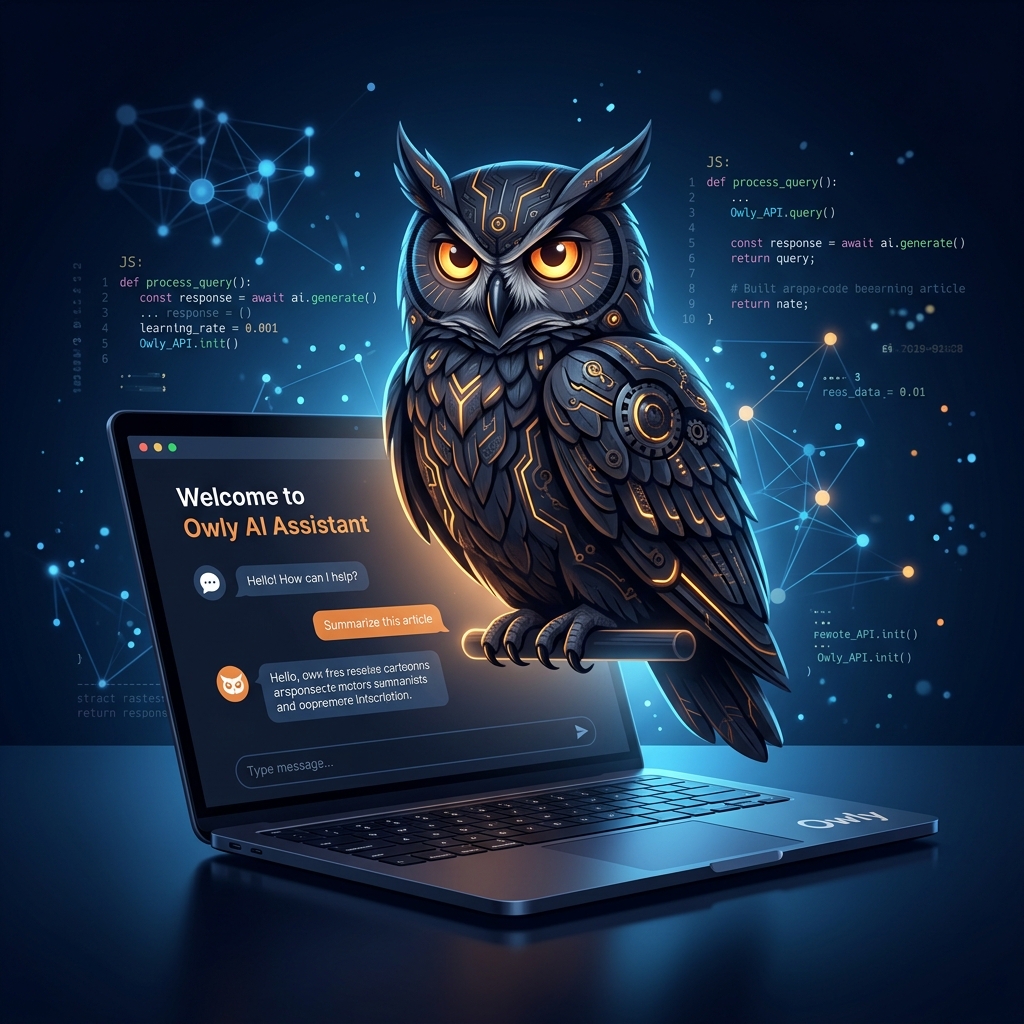
Building Owly: An AI Support Assistant Powered by Gemini 2.0
How I built a fully integrated AI support assistant for my portfolio using Google Gemini 2.0 Flash, Next.js Server Actions, and a real-time trainable knowledge base — all deployed on Firebase.
The Problem
Every portfolio and SaaS product needs a way to handle visitor inquiries. Traditional approaches fall into two camps:
- Static FAQ pages — limited, quickly outdated, and frustrating for users with specific questions.
- Third-party chatbots — expensive, generic, and often disconnected from your actual product knowledge.
I wanted something better: an AI assistant that truly understands my work, can answer technical questions about my projects, and escalates complex inquiries directly to my inbox — all without a monthly SaaS bill.
Meet Owly 🦉
Owly is a custom-built AI support assistant that lives in the bottom-right corner of this very site. It's not a wrapper around ChatGPT with a fancy UI — it's a purpose-built system with:
- Google Gemini 2.0 Flash as the reasoning engine
- Dynamic Knowledge Base that I can train in real-time from the admin dashboard
- Automated Email Notifications via Nodemailer for urgent inquiries
- Firestore-backed Ticket System for persistent conversation tracking
Architecture Overview
The system is built on three layers:
1. The AI Engine (owly-engine.ts)
The core of Owly uses Google's Generative AI SDK with function-calling capabilities:
typescriptconst model = genAI.getGenerativeModel({
  model: "gemini-2.0-flash",
  systemInstruction: dynamicSystemPrompt,
  tools: [{ functionDeclarations: owlyTools }],
});
The dynamicSystemPrompt is the secret sauce. Instead of a static prompt, it fetches active knowledge fragments from Firestore at runtime:
typescriptasync function getDynamicSystemPrompt() {
  const snapshot = await db
    .collection("owlyKnowledge")
    .where("isActive", "==", true)
    .get();

  let knowledgeContext = "";
  snapshot.forEach((doc) => {
    const { question, answer } = doc.data();
    knowledgeContext += "Q: " + question + "\nA: " + answer + "\n\n";
  });

  return BASE_PROMPT + knowledgeContext;
}
This means I can "teach" Owly new information without redeploying — just add a Q&A pair in the admin dashboard, and the next conversation will include it.
2. Tool System (owly-tools.ts)
Owly uses Gemini's function-calling feature to perform real actions:
create_support_ticket— Persists the conversation to Firestore with severity classificationsend_notification_email— Sends real emails via Nodemailer when a visitor needs human attentionsearch_portfolio— Searches my projects and returns relevant information
Each tool follows this pattern:
typescript{
  name: "create_support_ticket",
  description: "Create a support ticket...",
  parameters: {
    type: "OBJECT",
    properties: {
      subject: { type: "STRING" },
      description: { type: "STRING" },
      priority: { type: "STRING", enum: ["low", "medium", "high"] }
    }
  }
}
3. Admin Dashboard
The admin panel includes two new modules integrated into the existing QN Admin design system:
- Knowledge Base Manager — Full CRUD interface for training Owly with Q&A pairs
- Support Tickets — Real-time view of all visitor inquiries with status tracking
Key Design Decisions
Why Gemini 2.0 Flash?
Speed. For a support chatbot, response latency is critical. Gemini 2.0 Flash delivers sub-second responses while maintaining high reasoning quality — perfect for conversational AI where users expect instant answers.
Why Firebase Instead of PostgreSQL?
My entire blog runs on Firebase (Hosting + Firestore). Adding a separate PostgreSQL database for Owly would introduce unnecessary infrastructure complexity. Firestore's real-time capabilities also enable live updates in the admin dashboard.
Why Dynamic Prompts Instead of RAG?
For a knowledge base of 50-100 Q&A pairs, full RAG (Retrieval-Augmented Generation) with vector embeddings is overkill. Injecting the knowledge directly into the system prompt is simpler, faster, and provides 100% retrieval accuracy. As the knowledge base grows beyond ~100 entries, migrating to a vector-based approach would be the natural next step.
Email Notification Flow
When Owly determines a visitor needs human attention, it triggers the email notification tool:
Visitor asks complex question
  → Gemini decides to escalate
  → create_support_ticket() saves to Firestore
  → send_notification_email() dispatches via SMTP
  → Admin receives email with full context
  → Ticket appears in admin dashboard
The Nodemailer integration uses standard SMTP:
typescriptconst transporter = nodemailer.createTransport({
  host: process.env.SMTP_HOST,
  port: parseInt(process.env.SMTP_PORT || "587"),
  secure: false,
  auth: {
    user: process.env.SMTP_USER,
    pass: process.env.SMTP_PASS,
  },
});
Results
After deploying Owly:
- Response time: Average 800ms for simple queries
- Knowledge accuracy: 100% for trained Q&A pairs (by design)
- Zero monthly cost: Gemini API free tier + Firebase Spark plan
- Admin overhead: ~5 minutes to add new knowledge entries
Try It Yourself
Click the owl icon in the bottom-right corner of this page. Ask Owly about my projects, tech stack, or experience. If you have a complex question, Owly will create a ticket and I'll get back to you personally.
What's Next
- Conversation memory: Persisting chat context across sessions
- Analytics dashboard: Tracking common questions to proactively improve content
- Voice input: Integrating Web Speech API for hands-free interaction
- Multi-language support: Leveraging Gemini's multilingual capabilities
Building Owly was a fascinating exercise in practical AI integration. The key lesson: you don't need a massive infrastructure to build something genuinely useful. With the right tools and architecture decisions, a single developer can ship a production-grade AI assistant in days, not months.